Getting started
These guides are in beta: coverage is limited and pages will expand. If instructions conflict with the live app, trust the product.
BigBoard plans programs around a few core objects. This page introduces seasons and trip types, then walks through creating your first trip sessions in the app.
For definitions of the bold terms below, see the glossary.
Seasons
A season is a dated window of operation for your organization—think “Summer 2026” or “Fall block.” It has a start and end date, and most scheduling work is scoped to one season at a time.
Trips, events, and many reports all belong to a season. If a season is locked, changes that would affect scheduling are blocked until it is unlocked.
Trip types
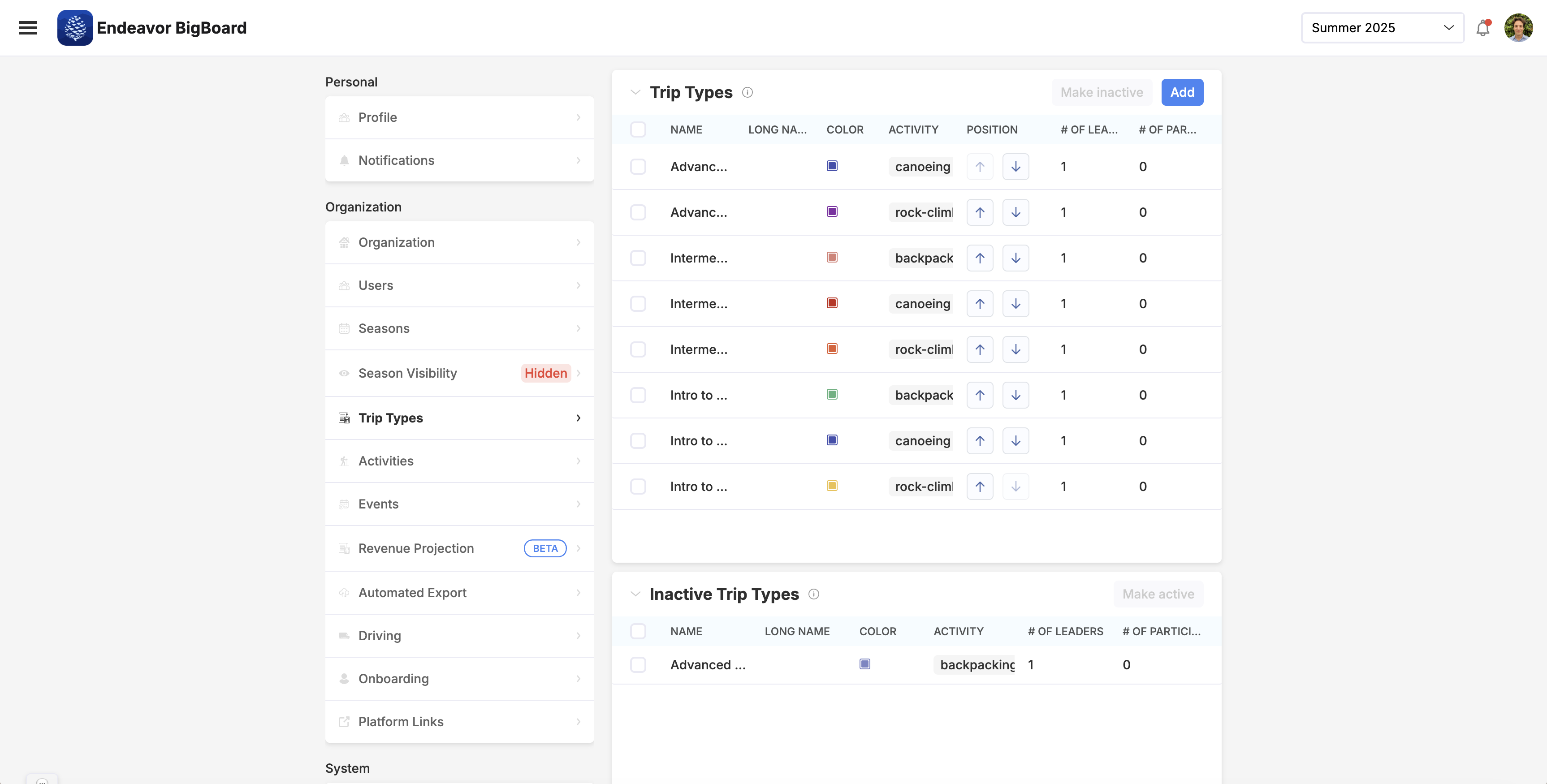
A trip type is a reusable template for a kind of program offering—examples might be Rocky Mountain Backpacking, Intro to Rock Climbing, or Intro to Whitewater Kayaking. Each trip type has a name, a color, and you can tell the system how many leaders and participants to expect, which helps the system understand your organizations capacity.
Trip types are enabled per season: they need to be activated on a per-season basis, although creating one activates it for the selected season. Configure trip types under Settings → Trip Types (and tie them to seasons there).
Trip sessions and trips
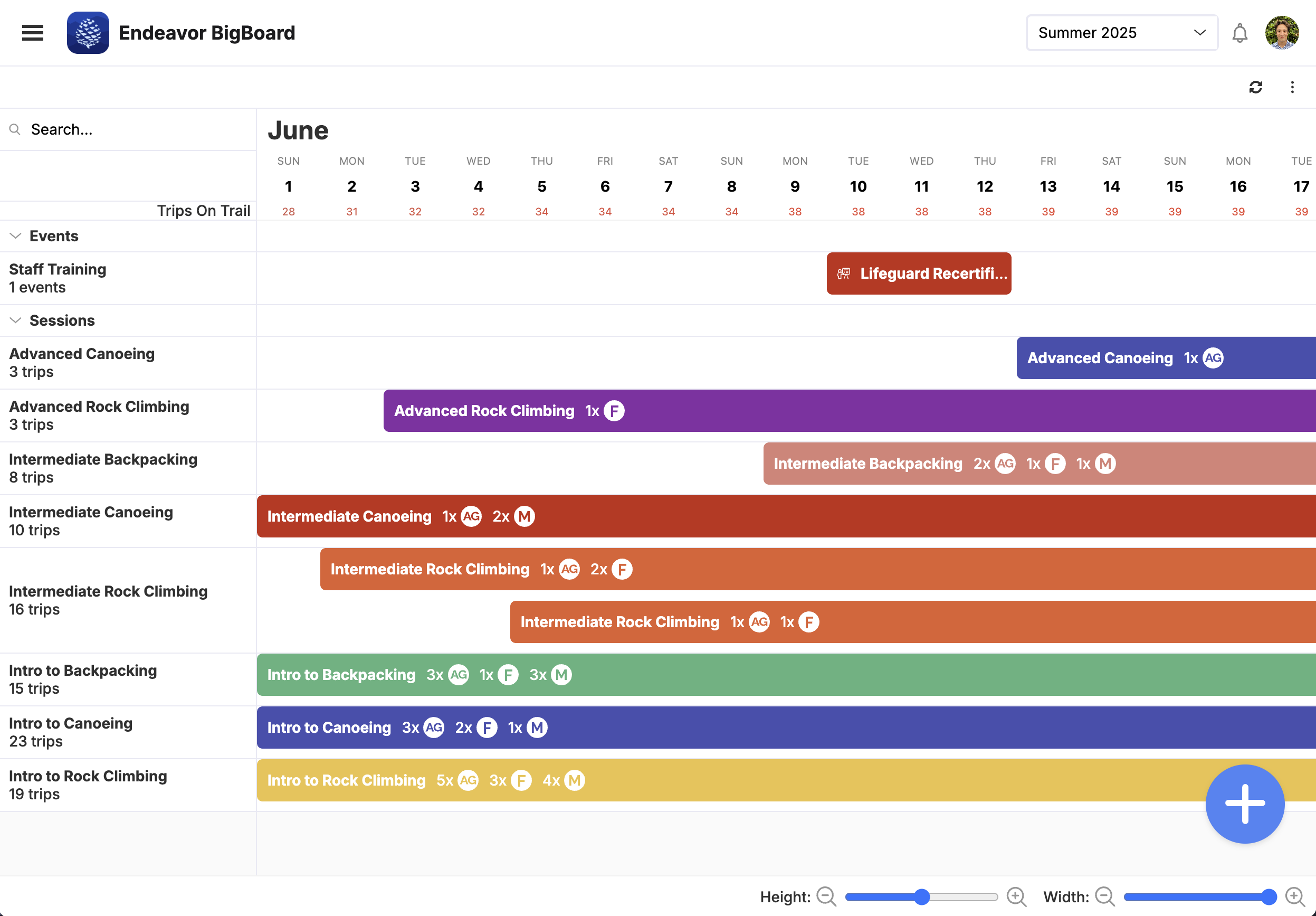
A trip session is one scheduled run of a trip type: it has a trip type, start and end dates that fall inside the season. From there, individual trips are created, with the trip session representing them as a group. It is way to manage a group of similar trips running at once, in bulk.
Events (trainings, transportation blocks, etc.) are separate schedule items built from event types; they sit on the same Builder timeline but are not trip sessions.
The screenshot below is an example of the Builder in use: trip types on the left, timeline across the top, and trip sessions as colored bars.
Create a trip session
- Ensure you have trip types activated for the season.
- Navigate to Schedule → Builder.
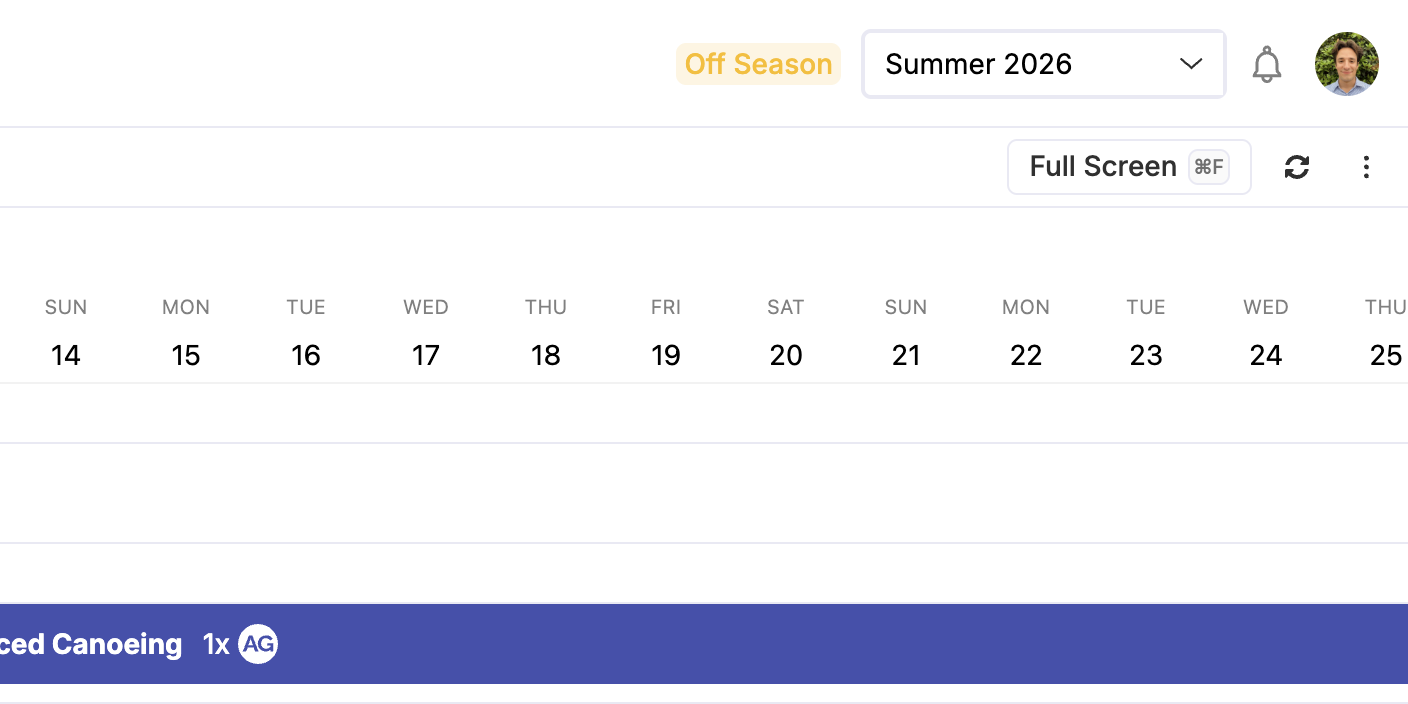
- Select the season you are working in in the upper right menu bar.
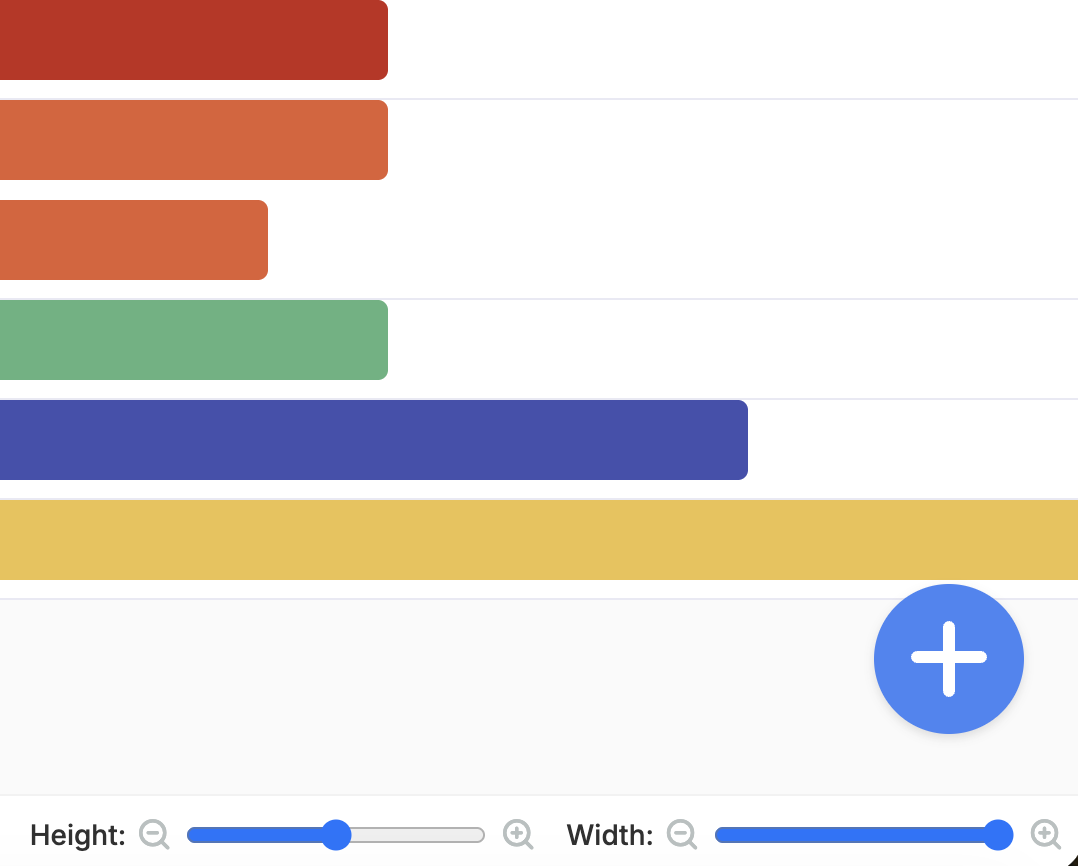
- Click the floating + button in the bottom right and choose New Trip.
- In Add a new trip session:
- Type — Pick a trip type that is active in this season.
- Dates — Choose a start and end date within the season.
- Trips — Set how many All Gender, Female, and/or Male trips to create. At least one of these counts must be greater than zero before you can submit.
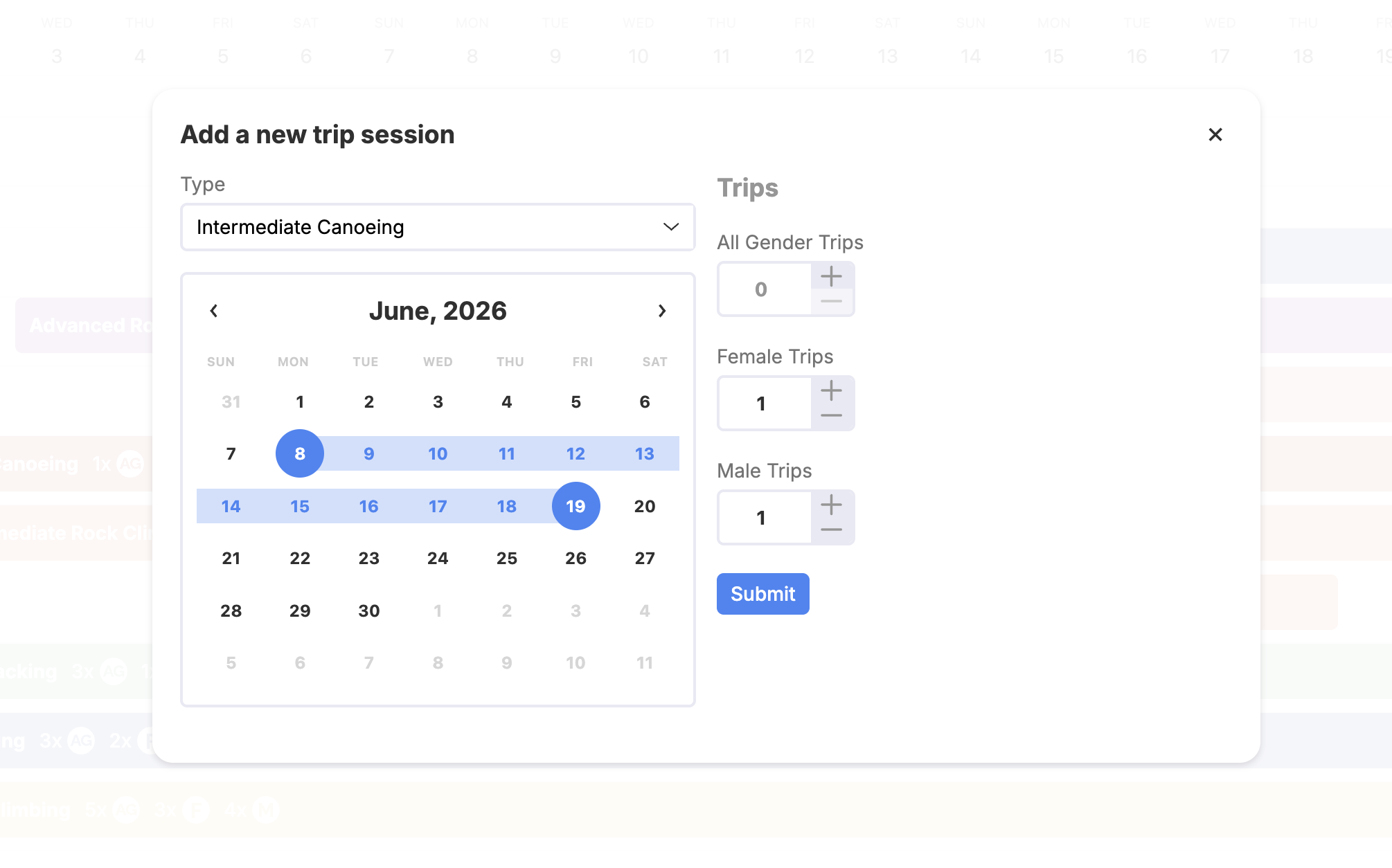
- Click Submit. The Builder and Schedule views refresh with the new session.
You need permission to edit trips (typically admin or editor). If the season is locked, you cannot add sessions until it is unlocked.
For many rows at once, use Bulk import from the same Builder + menu (optional workflow).
Next steps
- Assigning trips — put trail staff on trip rows from the schedule (and driving slots where used).
- Creating and inviting trail staff — add profiles and invitations.
- Glossary — Season, Trail staff, Trip type, Trip session, Trip, and Event.